How to Fix Smartphone Overheating and Rapid Battery Drain
Find the apps and settings making your phone run hot, reduce unnecessary power use, and cool the device safely.
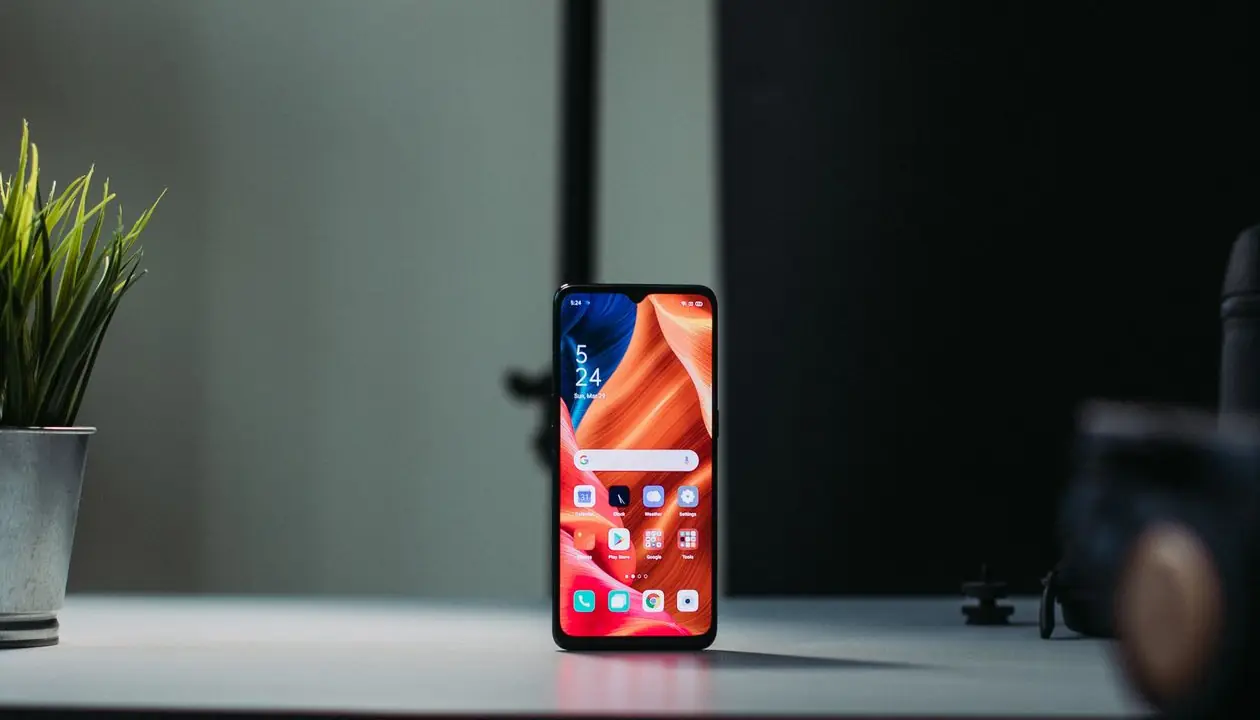
When your smartphone becomes unusually hot and its battery percentage drops rapidly—even while idle—it can point to an underlying software, usage, or battery-health problem.
Persistent overheating degrades lithium-ion battery health and triggers thermal throttling, which reduces processor performance. Follow these steps to identify and resolve the most common causes.
Step 1: Identify Rogue Background Apps
An application stuck in a processing loop can consume CPU resources continuously and generate excess heat.
- Open Settings > Battery > Battery Usage. The exact path varies by manufacturer.
- Review which apps consume the most power in the background.
- If an app you rarely use shows unusually high consumption, select Force Stop or restrict its background activity.
- Uninstall recently added apps one at a time if the overheating began after an installation.
Step 2: Manage Brightness and Refresh Rate
Maximum brightness and high refresh rates such as 120Hz make the display and graphics processor draw more power.
- Lower the display brightness or enable Adaptive Brightness.
- Temporarily change the refresh rate from 120Hz to 60Hz during heavy use or when outdoors.
- Reduce the screen timeout so the display turns off sooner when the phone is idle.
Step 3: Install System and App Updates
Outdated software can contain unoptimized services or memory leaks that prevent the hardware from entering a low-power state.
- Open Settings > System > System Update and install the latest stable firmware.
- Open the Google Play Store or App Store and update installed applications.
- Restart the phone after updating so background services reload cleanly.
Step 4: Cool the Phone Safely
- Remove any thick protective case that may trap heat.
- Disconnect the charger and stop gaming, navigation, or video recording.
- Enable Airplane Mode or power the phone off for 10 minutes.
- Never put the phone in a refrigerator or freezer. Rapid temperature changes can create internal condensation and damage electronic components.
When the Battery Needs Professional Attention
Stop using the device and seek qualified repair help if the battery is swollen, the screen is lifting from the frame, the phone smells unusual, or it becomes dangerously hot during ordinary use. These symptoms can indicate physical battery damage rather than a settings problem.
0 COMMENTS
Be the first person to share a thought.