What is Cloud Storage and How Does It Work? A Complete Guide
Ever wondered where your photos, files, and documents go when you save them to the cloud? Cloud storage has transformed the way we store and access digital data, replacing traditional physical hard drives with secure, internet-based servers. In this comprehensive guide, you’ll learn what cloud storage is, how it works behind the scenes, its key benefits, and how to choose the right provider for your needs.
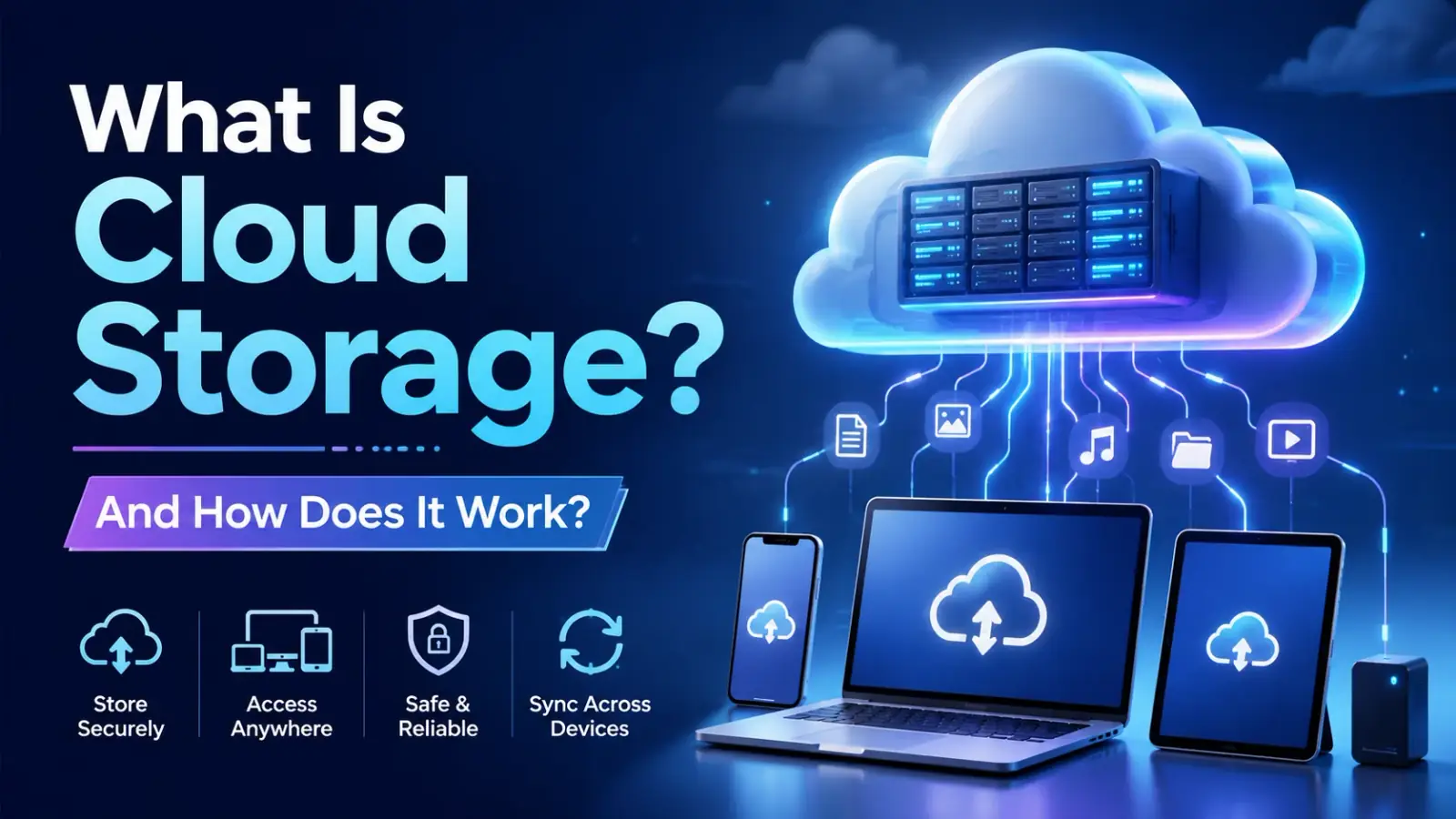
In today’s fast-paced digital world, data is everything. Whether you are taking high-resolution photos on your smartphone, saving important business PDF reports, or streaming heavy video files, you generate digital data every single day. But where does all this data go when your phone or laptop runs out of local storage?
Enter Cloud Storage—a revolutionary technology that has permanently transformed how we store, access, and manage digital information. Instead of relying on physical hard drives, flash drives, or memory cards, millions of users and businesses now store their files on the cloud.
In this comprehensive guide, we will break down what cloud storage is, how it works under the hood, its major types, benefits, potential drawbacks, and how you can choose the best cloud storage service for your needs.
What is Cloud Storage?
At its simplest, cloud storage is a cloud computing model that allows you to save data and files on an off-site storage system maintained by a third-party provider. Instead of saving data directly to your computer's local hard drive or your smartphone's internal memory, you transfer it over the internet to a remote database.
When you upload a file to the cloud, it isn't floating in mid-air or in the sky. The word "cloud" is simply a metaphor for the internet. In reality, your data is sent via an internet connection to massive, highly secure physical data centers located all across the globe.
Key Characteristics of Cloud Storage
• Remote Access: You can access your files from anywhere in the world using any internet-connected device.
Scalability: You can easily increase or decrease your storage capacity without buying physical hardware.
• Managed Infrastructure: The cloud provider takes full responsibility for server maintenance, hardware upgrades, security, and power backup.
How Does Cloud Storage Work?
Understanding how cloud storage works behind the scenes doesn't require a master's degree in computer science. The basic structure relies on a client-server architecture powered by the internet.
1. The Core Infrastructure (Data Centers)
Cloud storage providers (like Google, Microsoft, Amazon, and Apple) own and maintain massive facilities known as Data Centers. These data centers house thousands of physical computer servers stacked in high-tech, climate-controlled rooms. When you upload a file, it is sent over the internet and written onto hard drives inside these servers.
2. Data Virtualization
Cloud providers don't just assign a single physical hard drive to your account. Instead, they use a technology called Virtualization. Virtualization creates virtual instances of servers, allowing multiple users to share physical hardware resources securely while keeping their data completely isolated from one another.
3. Redundancy and Data Replication
What happens if the server holding your family photos suddenly catches fire or crashes? To prevent data loss, cloud storage systems use Redundancy.
When you upload a single file, the system automatically creates multiple copies of that file and stores them across different physical servers and geographic locations. If Server A fails, the system instantly routes your request to Server B without you ever noticing a delay.
4. Internet-Based Access
To interact with your stored data, you use an application programming interface (API), a web browser interface, or a dedicated mobile/desktop app. When you click "Open File," your device sends a request to the cloud server, which fetches the data and streams it back to your screen.
Types of Cloud Storage Architecture
Depending on how data is stored, categorized, and retrieved, cloud storage architecture is generally categorized into three main types:
1. Block Storage
Block storage splits large files into individual blocks of data and stores each block separately with a unique identifier. This is the fastest and most efficient architecture for heavy enterprise workloads, large databases, and virtual machine environments.
2. File Storage
File storage organizes data in a hierarchical structure of folders, subfolders, and files—just like the File Explorer on your Windows PC or Finder on a Mac. It is ideal for network-attached storage (NAS) and simple file sharing.
3. Object Storage
Object storage manages data as distinct units called "objects." Each object includes the data itself, a variable amount of custom metadata, and a globally unique identifier. It is highly scalable and perfect for storing unstructured data like videos, audio files, backup images, and web content (e.g., Amazon S3).
Major Types of Cloud Storage Deployment Models
Cloud storage isn't a one-size-fits-all solution. Depending on privacy and operational requirements, it can be deployed in four different models:
| Deployment Model | Description | Best For |
| Public Cloud | Infrastructure owned and managed by third-party vendors (e.g., Google Drive, Dropbox). Shared among multiple tenants over the internet. | Individual users, freelancers, and small businesses looking for cost-effective solutions. |
| Private Cloud | Dedicated infrastructure used exclusively by a single organization. Can be hosted on-premise or by a third party. | Corporations, banks, and healthcare providers requiring extreme security and regulatory compliance. |
| Hybrid Cloud | Combines public and private clouds, allowing data and apps to be shared between them seamlessly. | Growing enterprises that want to keep sensitive financial data private while leveraging public cloud flexibility. |
| Multi-Cloud | Using services from multiple different cloud providers (e.g., AWS + Google Cloud + Microsoft Azure) simultaneously. | Large tech enterprises preventing vendor lock-in and maximizing service availability. |
Key Benefits of Using Cloud Storage
Why are millions of people moving away from physical hard drives? Here are the primary advantages of adopting cloud storage:
• Universal Accessibility: As long as you have an active internet connection and your login credentials, you can retrieve your documents, photos, and files from a phone, tablet, laptop, or desktop anywhere on Earth.
• Automatic Backup and Disaster Recovery: Physical hardware fails—hard drives crash, laptops get stolen, and phones drop into water. Cloud storage automatically backs up your data in real-time, protecting you against permanent data loss.
• Cost Efficiency: Buying high-capacity external drives and maintenance equipment gets expensive. Cloud storage offers pay-as-you-go subscription plans, allowing you to pay only for the storage space you actually use.
• Seamless Collaboration: Cloud services allow multiple team members to edit, comment on, and review documents simultaneously in real-time, eliminating the need to send endless email attachments.
Scalability: If your business grows overnight and you need 10 Terabytes of extra space, you can upgrade your plan with a single click without buying new physical hardware.
Potential Drawbacks and Security Concerns
While cloud storage is incredibly convenient, it is essential to consider its limitations before migrating all your sensitive data:
• Internet Dependence: If your internet connection goes down, you may lose access to your cloud files unless you have enabled offline syncing on your local device.
• Bandwidth Limitations & Costs: Uploading or downloading massive files (like 4K video projects) can consume significant internet data and take considerable time depending on your connection speed.
• Security & Privacy Risks: Storing sensitive data on third-party servers always carries a potential risk of data breaches, hacker attacks, or unauthorized access if your account credentials are compromised.
• Ongoing Subscription Fees: While cheap initially, paying monthly or yearly subscription fees indefinitely can eventually add up to more than the cost of a single physical hard drive.
Popular Cloud Storage Providers in 2026
If you are looking to choose a reliable provider, here is a quick overview of the top market leaders:
• Google Drive: Integrated natively with Android and Google Workspace. Offers 15 GB of free storage and seamless collaborative editing with Docs, Sheets, and Slides.
• Microsoft OneDrive: The default choice for Windows users. Deeply integrated with Microsoft 365 apps (Word, Excel, PowerPoint) and offers advanced ransomware detection.
• Apple iCloud: Purpose-built for the Apple ecosystem (iPhone, iPad, Mac). Smoothly syncs photos, device backups, and system settings across iOS devices.
• Dropbox: Famous for its ultra-fast cross-platform syncing capabilities, strong file recovery tools, and third-party app integrations.
• MEGA: Popular for privacy-conscious users, offering end-to-end zero-knowledge encryption and generous free storage limits.
Is Cloud Storage Safe? How to Secure Your Account
Cloud storage providers invest billions of dollars in enterprise-grade security features, including AES 256-bit encryption, physical data center guards, and automated threat monitoring. However, user negligence remains the primary cause of security breaches.
Follow these simple best practices to secure your cloud account:
• Enable Two-Factor Authentication (2FA): Always activate 2FA using an authenticator app or hardware key so hackers cannot log in even if they obtain your password.
• Use Strong, Unique Passwords: Avoid simple passwords and use a dedicated password manager to generate complex login codes.
• Check File Sharing Permissions: Periodically review who has access to your shared links and revoke public access to sensitive files.
• Encrypt Sensitive Files Before Uploading: Use third-party encryption tools (like Cryptomator) to encrypt private financial or personal documents before sending them to the cloud.
Final Thoughts
Cloud storage is no longer just a luxury—it is a fundamental utility of the modern digital era. By moving your files to the cloud, you trade the risk of physical hardware failure for the unmatched convenience, flexibility, and security of global data centers.
Whether you are a student storing study notes, a business owner managing customer records, or a content creator backing up high-resolution media, understanding cloud storage allows you to manage your digital assets efficiently and securely.
0 COMMENTS
Be the first person to share a thought.