Is Fast Charging Bad for Smartphone Battery? Truth, Heat Myths, and Longevity Fixes
Discover whether high-wattage fast charging harms your smartphone battery, how lithium-ion cells degrade from thermal stress, and how to protect longevity.
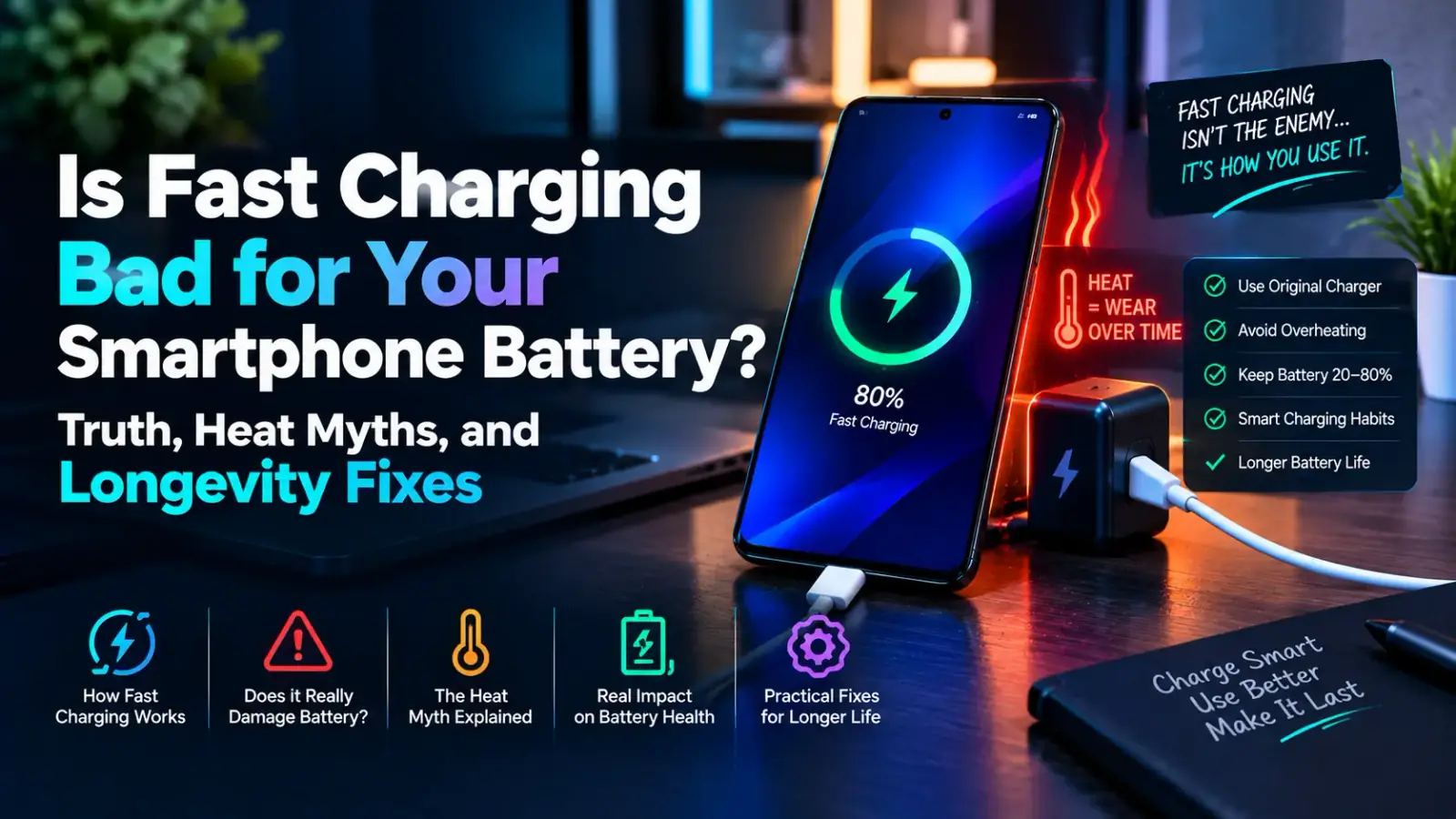
Is Fast Charging Bad for Smartphone Battery? Truth, Heat Myths, and Longevity Fixes
Modern smartphones now feature ultra-fast charging architectures ranging from 45W, 67W, to an astonishing 120W and beyond. Being able to replenish a depleted battery from zero to 100% in under 20 minutes has transformed how we interact with mobile technology.
However, this unprecedented charging speed raises a critical hardware concern for smartphone owners: Does fast charging degrade smartphone battery health faster than standard charging?
With replacement battery costs rising and non-removable glass-back designs becoming industry standard, understanding battery chemistry, charge cycles, and thermal wear is essential.
In this deep-dive hardware analysis, we will separate scientific facts from common myths, explain how fast charging protocols manage current delivery, and provide actionable maintenance steps to preserve your battery's chemical longevity.
How Fast Charging Works: The Two-Phase Charging Cycle
To understand if fast charging damages your battery, you must first understand that high-wattage chargers do not push maximum current continuously throughout the entire charging cycle.
Modern smartphone battery management systems (BMS) utilize a specialized Two-Phase Charging Protocol designed to protect Lithium-Ion (Li-ion) and Lithium-Polymer (Li-Po) cells from voltage overload.
                    TWO-PHASE FAST CHARGING VOLTAGE PROFILE
    CHARGING POWER (WATTS)
     │
 100W│ ┌──────────────────────────┐ (Constant Current Phase)
     │ │ Rapid Power Delivery     │
  50W│ │ (0% to 70-80% Capacity)  │
     │ │                          └───────────────────────────┐ (Constant Voltage Phase)
   0W│ │                                                      │ Trickle Charge (80%-100%)
     └─┴──────────────────────────────────────────────────────┴───────────────────────►
       0 Min                     15 Min                     35 Min          TOTAL TIME
Phase 1: The Constant Current (CC) Constant Power Phase
During the initial phase (typically from 0% up to 70% or 80%), the charger supplies a high current and peak wattage. Because the battery cell is empty, it can absorb this rapid power influx efficiently with minimal resistance and controlled chemical stress.
Phase 2: The Constant Voltage (CV) Trickle Phase
Once the battery reaches approximately 80% capacity, the onboard battery controller steps in and throttles the wattage down significantly. The final 20% is delivered slowly via a "trickle charge" process to prevent internal overheating, chemical plating, and voltage saturation.
The Real Enemy: Thermal Heat vs. High Wattage
High wattage itself does not instantly destroy a smartphone battery; excessive heat generated during the power transfer process does.
When electric current flows through internal components and battery terminals, resistance generates thermal energy. High temperatures accelerate the oxidation of the battery’s internal electrolyte and degrade the solid electrolyte interphase (SEI) layer inside the cell.
| Operating Temperature | Battery Health Impact | Chemical Degradation Rate |
| 15°C – 25°C (Ideal Range) | Optimal Chemical Stability | Standard Degradation (Normal Lifespan) |
| 30°C – 35°C (Elevated) | Minor Thermal Stress | 10% to 15% Faster Capacity Loss |
| 40°C+ (Critical Heat Range) | High Thermal Acceleration | Severe Electrolyte Breakdown & Swelling Risk |
If your device becomes uncomfortably hot to the touch while charging on a 67W or 120W power adapter, chemical wear accelerates dramatically. However, if thermal management dissipates heat effectively, high-wattage charging causes negligible extra wear compared to older 10W slow bricks.
Debunking Common Smartphone Battery Myths
Separating marketing claims from engineering reality helps you make informed choices regarding daily device usage.
Myth 1: Leaving Your Phone Plugged in Overnight Destroys the Battery
Reality: False. Modern smartphones feature integrated charge controller chips that automatically sever the external current flow once the battery reaches 100%. However, keeping a phone topped off at 100% continuously keeps the cell under high voltage state stress, which gradually wears down capacity over years.
Myth 2: You Must Drain Your Battery to 0% Before Charging
Reality: False. Older Nickel-Cadmium (NiCd) batteries suffered from a "memory effect," but modern Lithium-Ion cells operate on charge cycles. Draining a lithium cell down to 0% causes deep-voltage stress. Modern batteries prefer shallow charge cycles (e.g., topping up from 30% to 80%).
Myth 3: Fast Charging Causes Battery Swelling
Reality: Fast charging alone does not cause battery expansion unless the cell is physically damaged, exposed to extreme external heat (such as leaving a charging phone on a hot car dashboard), or using low-quality third-party knockoff chargers without safety IC chips.
Step-by-Step Guide to Extend Smartphone Battery Health
If you rely on fast charging daily, executing a few smart power-management habits allows you to maintain rapid charging convenience without sacrificing cell lifespan.
1. Avoid Heavy Workloads or Gaming While Fast Charging
Using your phone for intensive tasks—such as 4K video recording, heavy 3D gaming, or GPS navigation—while connected to a fast charger creates a condition known as parasitic load.
The battery simultaneously absorbs power from the charger while discharging power to feed the CPU and GPU, generating double the thermal dissipation.
2. Remove Thick Protective Cases During Fast Charging
Heavy-duty synthetic armor cases, TPU covers, and leather wallets trap thermal energy inside the phone’s chassis. Removing thick cases allows the rear panel to dissipate heat freely into the surrounding air.
3. Enable Built-In Battery Care Limits in OS Settings
Both Android and iOS now include smart battery management toggles designed to mitigate high-voltage stress:
○ On Android (Samsung, Xiaomi, Vivo, Pixel): Go to Settings > Battery > Battery Protection / Optimized Charging and enable options that cap maximum charge capacity at 80% or 85%.
○ On iPhone (iOS): Go to Settings > Battery > Battery Health & Charging and toggle Optimized Battery Charging to ON.
       RECOMMENDED CHARGING ZONE FOR MAXIMUM LIFESPAN
[ 0% ── HIGH STRESS ── 20% ] ─── [ SAFE OPERATING ZONE: 20% - 80% ] ─── [ 80% ── HIGH STRESS ── 100% ]
4. Use OEM Certified Power Delivery (PD) & PPS Chargers
Avoid cheap, unbranded wall adapters bought from unverified vendors. Ensure your power brick supports standard protocols like USB Power Delivery (USB-PD) or Programmable Power Supply (PPS).
Certified chargers actively communicate with your phone's processor in real-time, dynamically lowering voltage and current output if board temperatures begin to spike.
Final Verdict: Is Fast Charging Bad for Your Battery?
Fast charging is not inherently bad for modern smartphone batteries, provided that thermal heat is properly managed. Thanks to intelligent dual-phase charging circuits, dual-cell battery architectures, and thermal monitoring sensors, modern devices handle fast charging remarkably well.
To maximize your smartphone’s battery lifespan over 3 to 4 years:
○ Enjoy the convenience of fast charging when you are in a rush.
○ Enable smart 80% charging limits for overnight plug-ins.
○ Keep your phone away from direct sunlight and heavy gaming sessions while plugged in.
By managing thermal dissipation and avoiding deep discharges down to 0%, you get the best of both worlds: rapid daily power replenishment and long-term hardware reliability!
0 COMMENTS
Be the first person to share a thought.