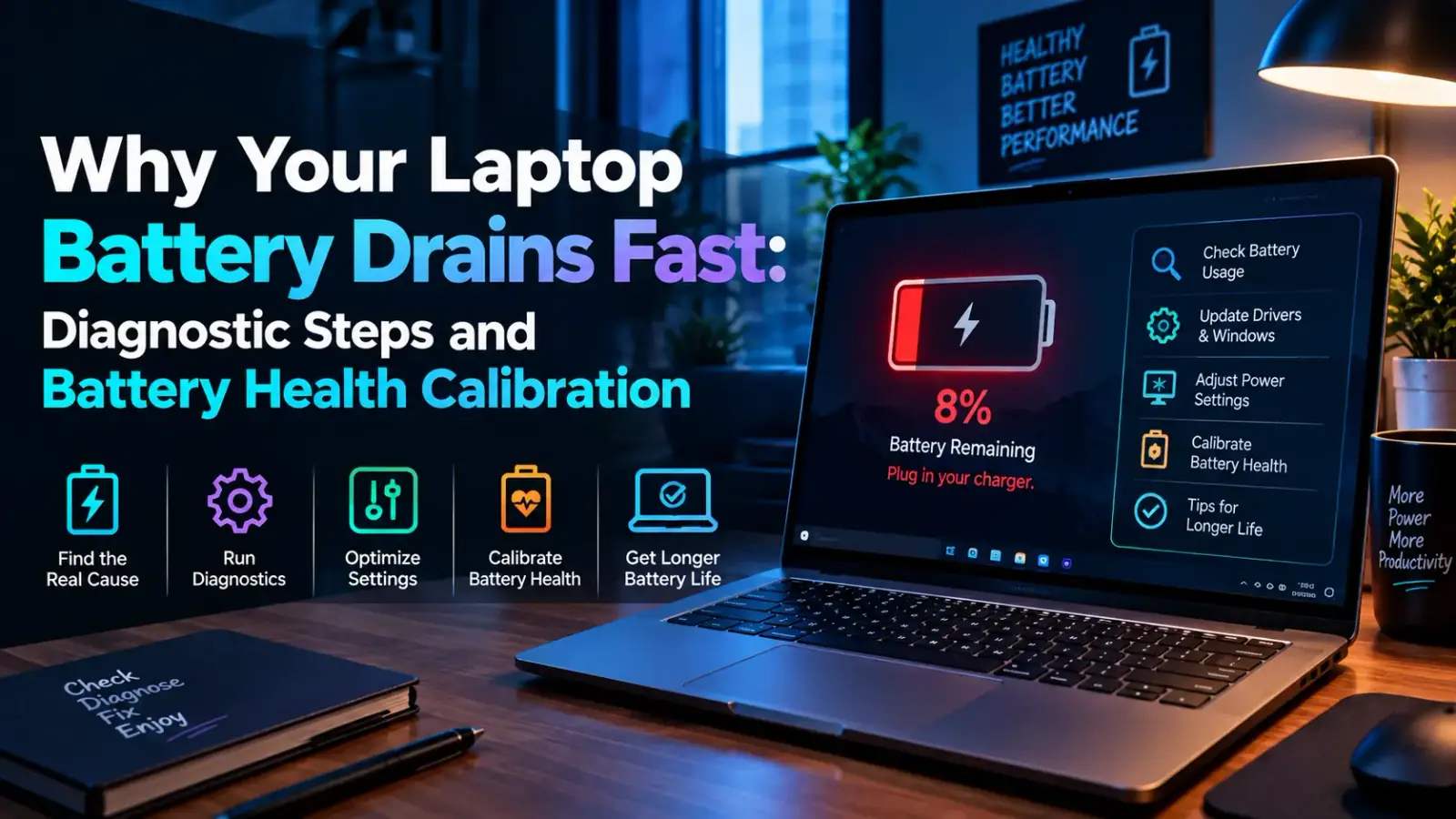
Why Your Laptop Battery Drains Fast: Diagnostic Steps and Battery Health Calibration
Discover why your laptop battery drains fast and learn how to diagnose degradation, optimize background power allocation, and extend total cell longevity.
Explore our complete collection of clear thinking on artificial intelligence, technology, design, and modern work.
Discover why your laptop battery drains fast and learn how to diagnose degradation, optimize background power allocation, and extend total cell longevity.

Learn how to detect and remove hidden AI malware, rogue desktop agents, and prompt injection threats to keep your PC fast, secure, and fully protected.
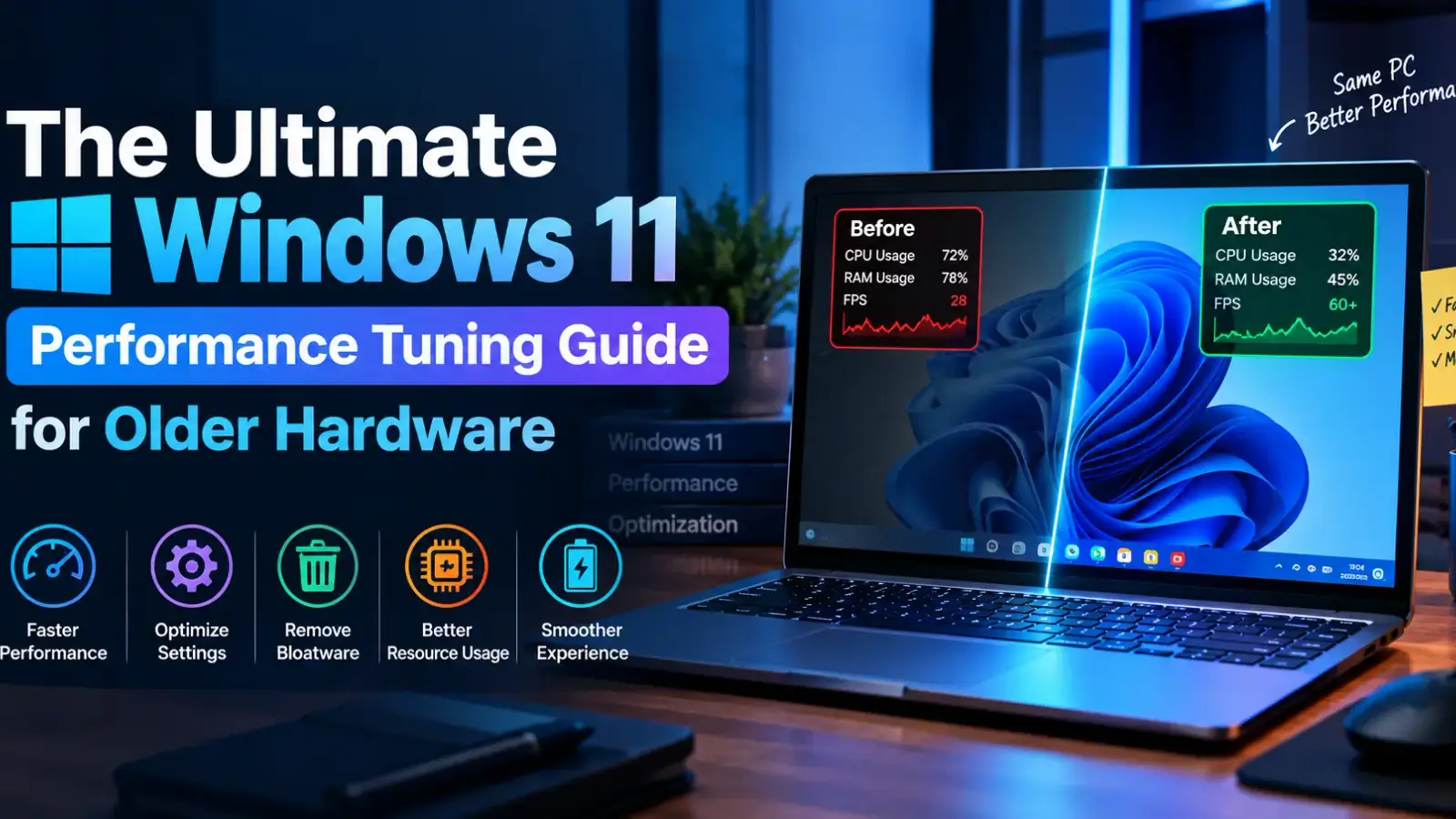
A comprehensive guide to optimizing Windows 11 on older hardware by disabling telemetry, managing system resources, and tweaking core OS services.

Eliminate annoying micro-stuttering in PC games with these 7 universal fixes for smoother frame rates, better frame pacing, and zero lag.
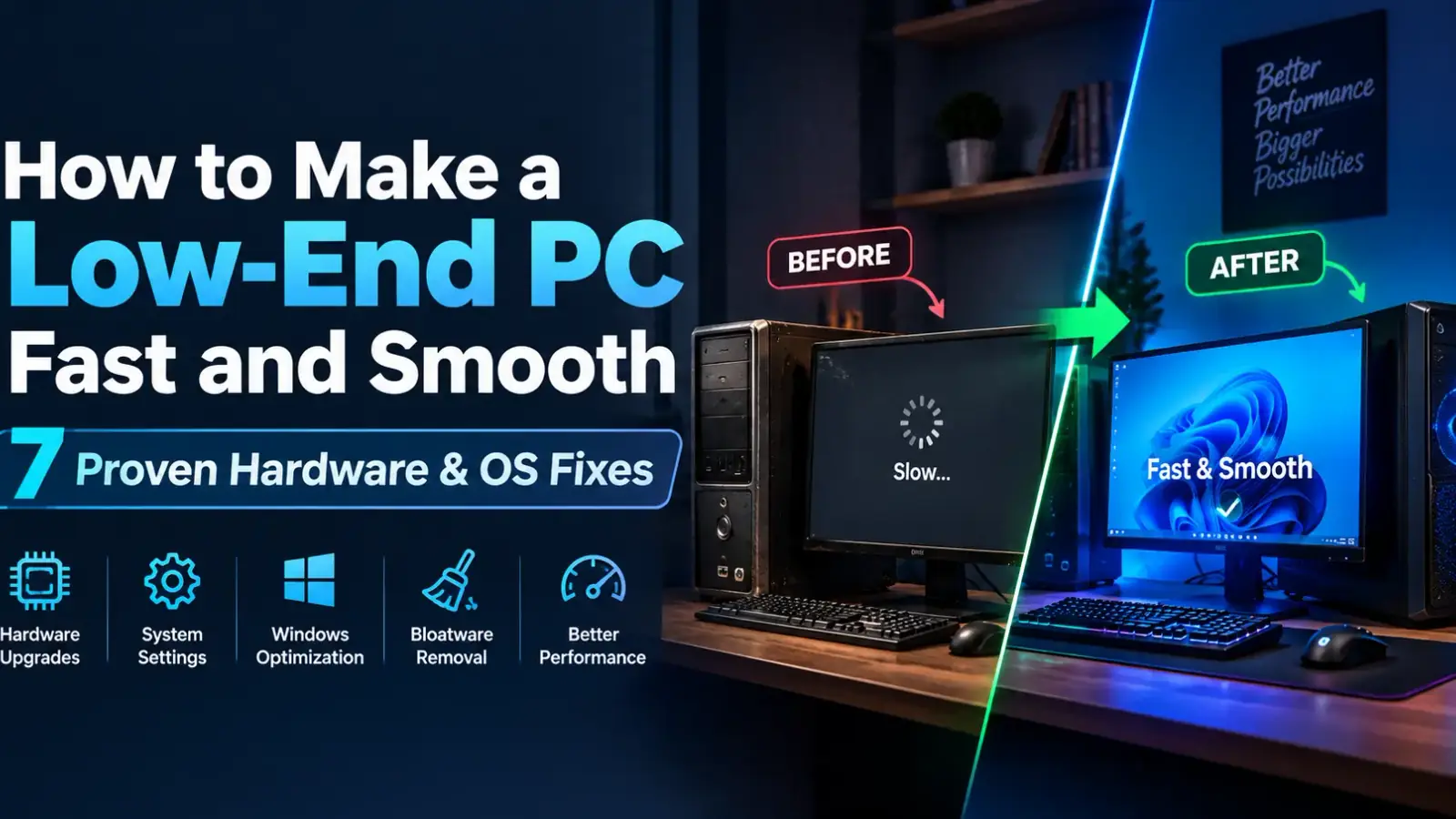
Learn how to make a low-end PC fast and smooth with proven hardware tweaks, thermal fixes, and Windows optimizations to eliminate lagging instantly.

Liquid cooling is replacing traditional air cooling in modern data centers to efficiently manage extreme heat, lower energy costs, and power high-density AI hardware.

Shadow AI occurs when employees secretly use unauthorized AI tools at work, exposing confidential company data to severe cybersecurity risks and leaks.

Ever wondered where your photos, files, and documents go when you save them to the cloud? Cloud storage has transformed the way we store and access digital data, replacing traditional physical hard drives with secure, internet-based servers. In this comprehensive guide, you’ll learn what cloud storage is, how it works behind the scenes, its key benefits, and how to choose the right provider for your needs.

Identify runaway processes, restart stuck Windows services, repair system files, and restore sensible processor power settings.

Improve frame consistency by tuning Game Mode, GPU scheduling, startup load, power behavior, and security-sensitive performance options.